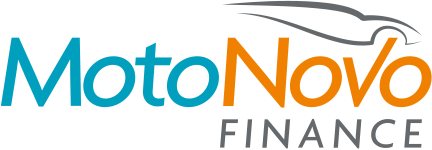
Manage your finance anytime, anywhere with MyMotoNovo.
Register your agreement and download the app to:
- Access your account on the go
- Make payments
- Change your payment date
- Update your personal details
- Get a settlement figure
- Update your marketing preferences
iOS app download
Download the MyMotoNovo app for your iOS device and register your agreement. All you need is your agreement number and personal details.

Android app download
Download the MyMotoNovo app for your Android device and register your agreement. All you need is your agreement number and personal details.

Register your agreement
Register your agreement on our website. All you need is your agreement number and personal details.
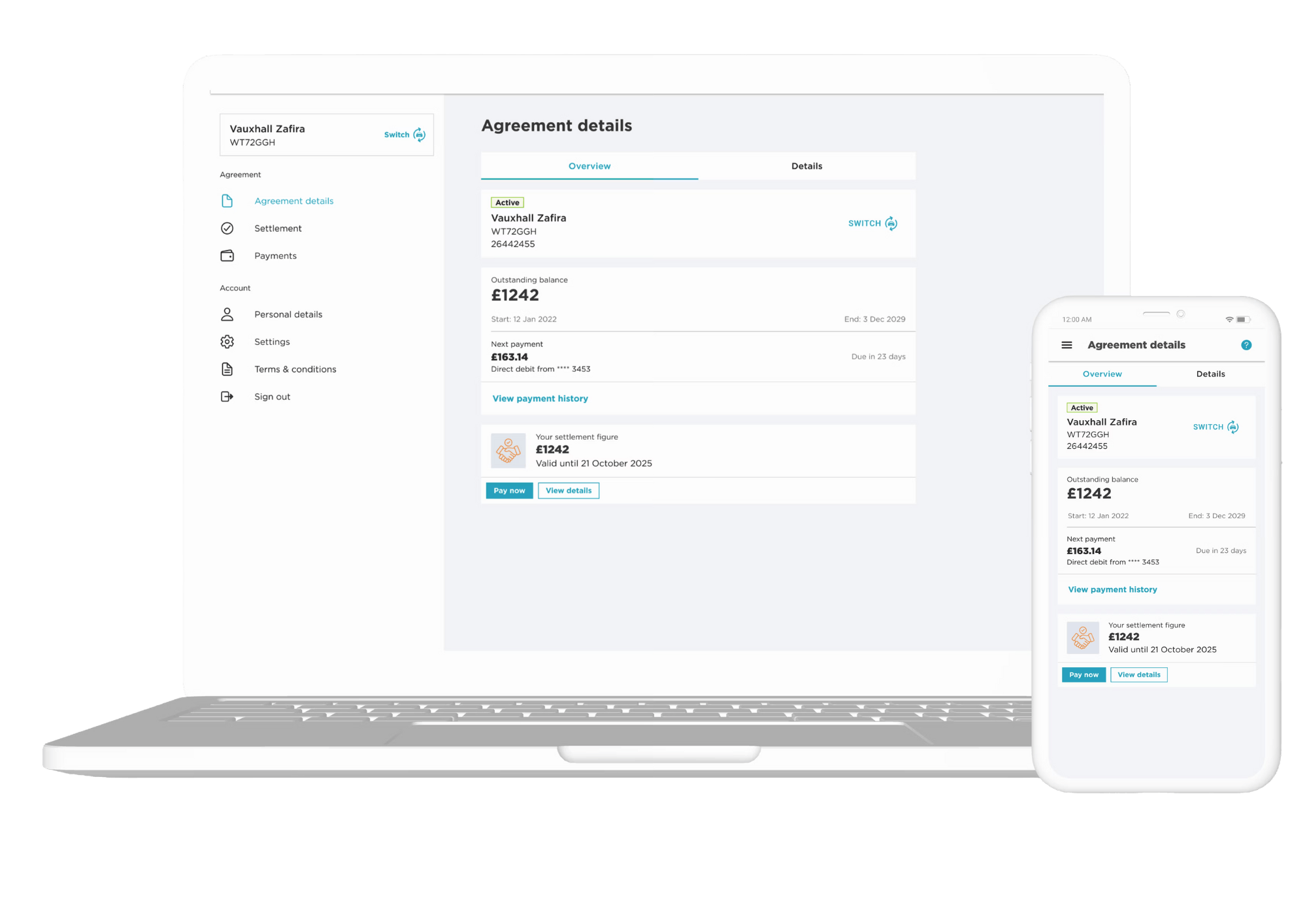
How to register
Step 1 – Download the app or go to our MyMotoNovo website
Step 2 – Enter your agreement number and details
Step 3 – Confirm your email
Step 4 – Sign in with your email address
Step 5 – Enter the one-time verification code
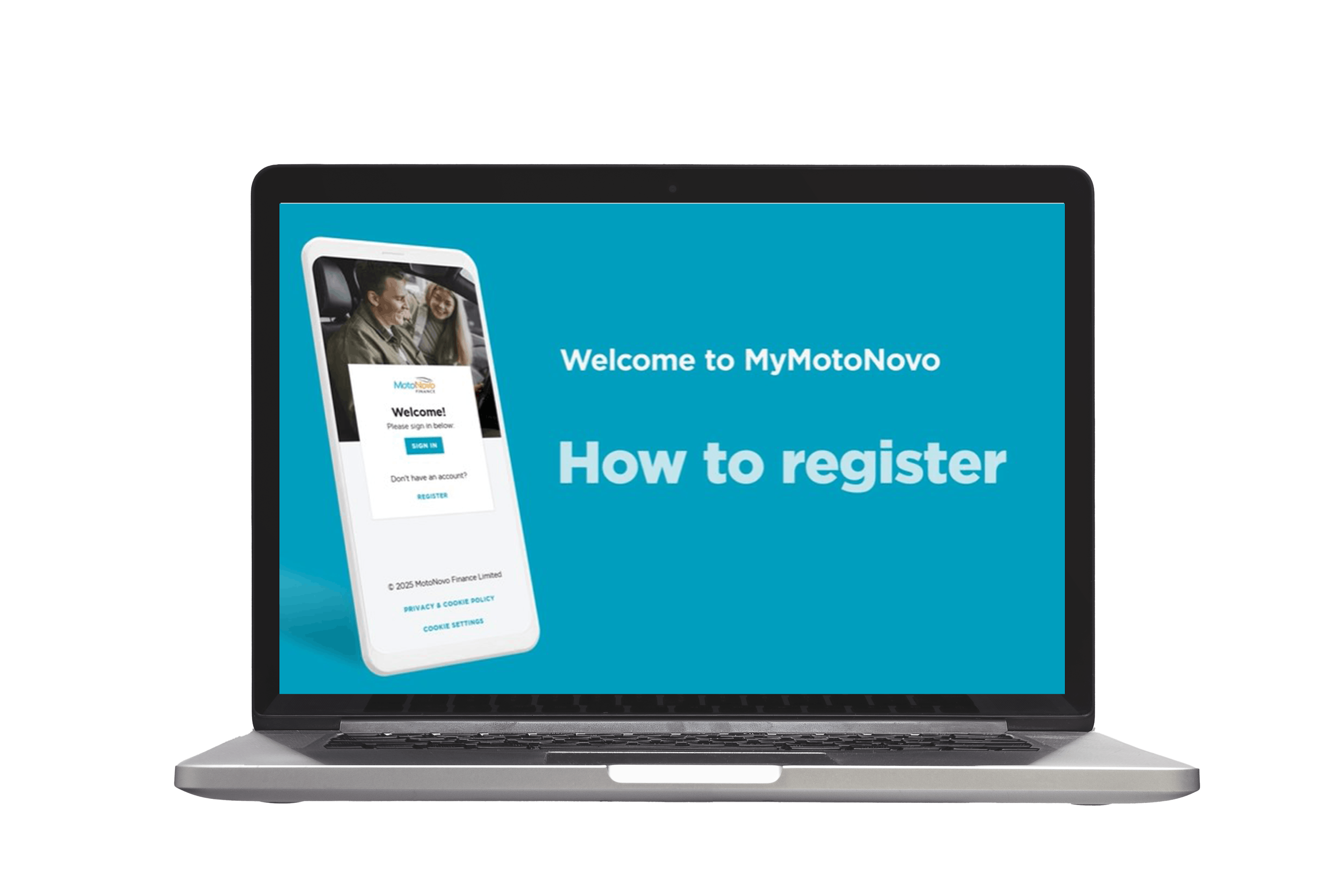
How to set up biometrics
Step 1 - log in to MyMotoNovo (make sure your app is up to date)
Step 2 - Create a 6-digit PIN
Step 3 - Enable biometric sign-in to use your face or fingerprint
Step 4 - Change your pin, enable or disable biometrics anytime in the Privacy and Security section
How to make a custom payment
Step 1 - Click 'Make a payment'
Step 2 - Select 'Custom payment' and enter the amount (separate to your usual monthly direct debit)
Step 3 - Review your payment summary
Step 4 - Fill out your bank card details and hit 'Pay'
How to request and pay your settlement figure
Step 1 - Click on 'Settlement' to view your figure
Step 2 - Select 'Pay settlement'
Step 3 - Pay the settlement in full or select a custom amount
Step 4 - Download your settlement letter

How to update your details
Watch our video for a step by step guide on how to change your payment date, direct debit, phone number and address.

